
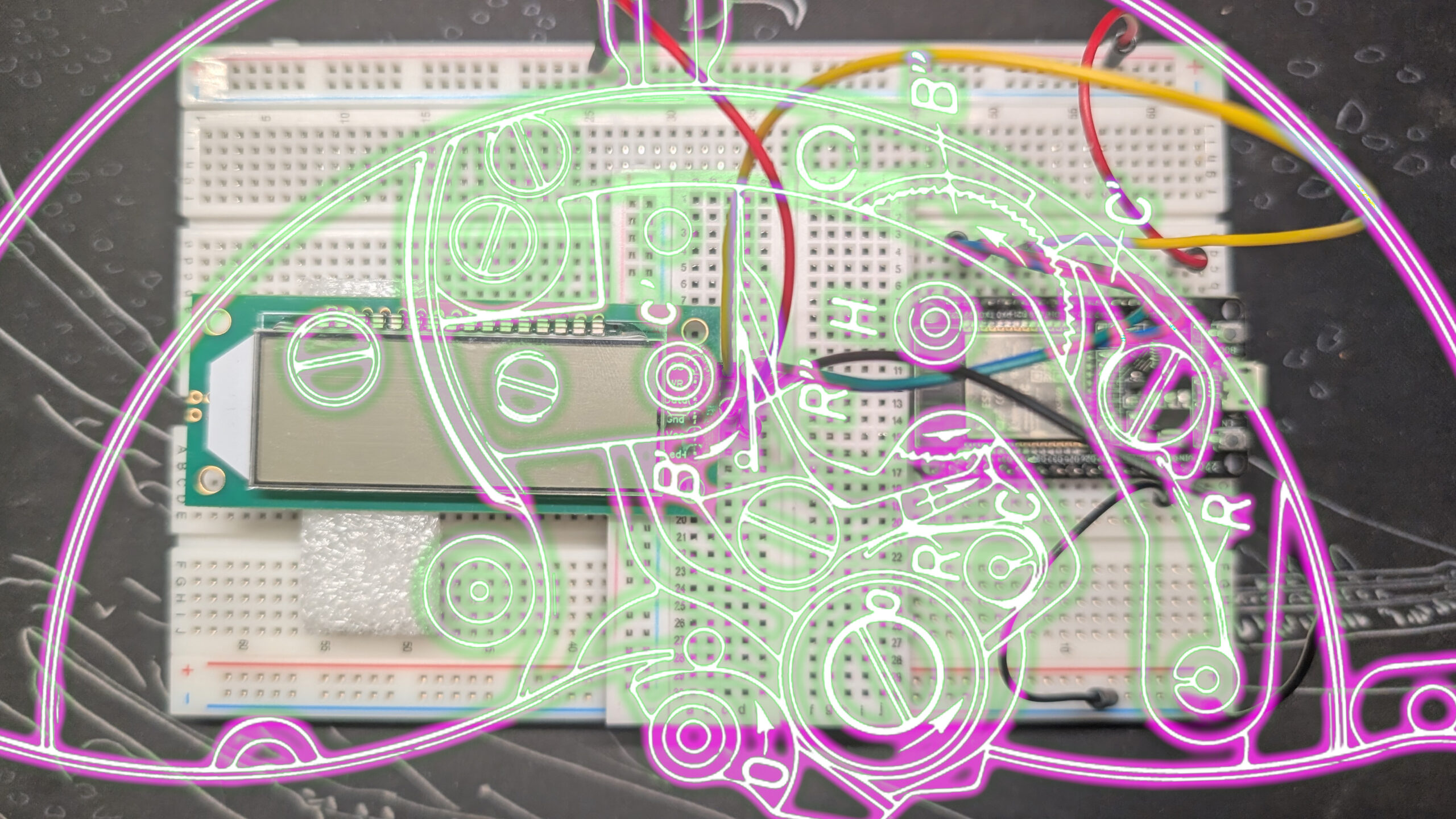
By this point, we have mostly mastered the PDC-6X1. We know how to use its three I/O pins; we have mapped its 48 segments to the HT1621’s 12 memory addresses; and we can control its output. It’s time we moved on to making an actual clock.
Laying the foundation for internet time
Because my eventual clock is going to get its time from the internet — specifically Network Time Protocol servers — we’re going to do the same thing with this one, so it’s time to do something new. Keep the 1621 sketch open, because we’re going to borrow some of its code, but for now, let’s open a new file. At the top, we’re going to include two new libraries.
#include <WiFi.h>
#include <time.h>WiFi.h is going to let us connect to the internet via Wi-Fi. It has a big footprint but since we’re just building a clock we don’t have to worry about that too much. There’s still plenty of room for the logic we need.
time.h sounds like it’s going to give us access to some fancy functions, and it does, but all we’re using it for is this struct, which is expected by one of the functions we’re going to use.
struct tm {
   int tm_sec;    /* Seconds (0-60) */
   int tm_min;    /* Minutes (0-59) */
   int tm_hour;   /* Hours (0-23) */
   int tm_mday;   /* Day of the month (1-31) */
   int tm_mon;    /* Month (0-11, January = 0) */
   int tm_year;   /* Year since 1900 */
   int tm_wday;   /* Day of the week (0-6, Sunday = 0) */
   int tm_yday;   /* Day of the year (0-365, Jan 1 = 0) */
   int tm_isdst;  /* Daylight Saving Time flag (<0, 0, >0) */
};Go ahead and make an instance of that struct in the global scope. And while you’re there, make an integer called currentSec or something similar and set it to 0. We’ll need it later.
struct tm timeInfo;
int currentSec = 0;Getting the ESP32 online
Okay, let’s get some internet. Make your life simple and create a pair of variables for your SSID (network name) and password.
char ssid[] = "SSID";
char password[] = "pa$$Word";Now we can get online with a function from the WiFi.h library, WiFi.begin(). The simplest way to make this work is to feed it our SSID and password.
WiFi.begin(ssid, password);Barring any problems, this is enough to get us connected, but it’s kind of useless on its own since we have no way of knowing when it connects. In a similar vein, the connection to a Wi-Fi network isn’t instantaneous, so if we start looking for NTP servers right after calling WiFi.begin(), we’re going to run into a metaphorical brick wall. Thankfully, Espressif has a solution we can lift straight from their documentation.
while (WiFi.status() != WL_CONNECTED) {
  delay(500);
  Serial.print(".");
}WiFi.status() returns the status of the wireless connection as an integer. Buried in the depths of WiFi.h‘s dependencies is an enum with all the status codes listed. We don’t really need to know them, but once WiFi.begin() has established a connection with our network, status changes from WL_IDLE_STATUS to WL_CONNECTED.
Until that status change happens, we’re just going to wait (delay(500)). And while we’re waiting, we’re going to output to the serial terminal (Serial.print(".")) so that we know something is happening. Once we’re connected, we’ll be out of the loop, so we can send ourselves a serial message letting us know everything is all good.
Serial.println("All good");Espressif is a bit more formal about it.
Serial.println("IP address: ");
Serial.println(WiFi.localIP());You do you.
Getting NTP time
Now that we’re online, we can finally get the time.
configTime(3600*-6, 0, "pool.ntp.org");configTime() is one of the core functions of the ESP32 and it’s used to set the system time to whatever time is returned from the NTP server. It needs at least three arguments. The first one is the timezone offset in seconds. Where I am in Mexico, the timezone is UTC-6, so my first argument is -6 hours times the number of seconds in an hour, 3,600. I write it this way because it’s easier to read the code, but you can write -21600 if that’s what you’re into.
The second argument is the daylight saving time offset. Mexico doesn’t do daylight saving so I can leave that 0, but if you’re somewhere that is actively observing it, you’d want to put 3600 here to bump the time up one hour during daylight saving season.
Finally, we put the web address of the NTP server we want to use. We can search out a more specific server, but there’s no need for all that if we’re just making a simple clock.
Remember that timeInfo variable we made earlier? Now we get to use it!
getLocalTime(&timeInfo, 5000);getLocalTime() looks at the system clock and converts its native Unix-epoch time into something that’s more human readable. Its first parameter is a pointer to our timeInfo variable, into which we’ll save some human-readable values. The second parameter is the timeout in milliseconds. Why a timeout? Shouldn’t the date already have been set by configTime()?
So, configTime() sets up a client to run in the background. Its job is to get that NTP time and update the system clock. That client will actually run about once an hour if you leave it alone. The default starting time for an ESP32 is Jan 1, 1970. getLocalTime() checks the system time to make sure it has a valid date. If the date isn’t updated by the end of the timeout, it returns false; if it is, it returns true. Either way, it populates our timeInfo struct using the data it pulls.
All that’s left to do is use the data in timeInfo to make our clock. We already have all the parts we need in our previous programs so we can mostly just copy and paste. I’ll just share the logic I used to update the time in my loop() function.
getLocalTime(&timeInfo);
if (currentSec != timeInfo.tm_sec) {
  digitalWrite(CS, LOW);
  send(cmdWrite, 3, 1);   													//Write command
  send(0, 6, 1);          													//Address to write to
  send(nums[timeInfo.tm_sec % 10], 8, 0);          	//Seconds
  send(nums[(timeInfo.tm_sec / 10) % 10], 8, 0);
  send(nums[timeInfo.tm_min % 10], 8, 0);						//Minutes
  send(nums[(timeInfo.tm_min / 10) % 10], 8, 0);
  send(nums[timeInfo.tm_hour % 10], 8, 0);					//Hours
  send(nums[(timeInfo.tm_hour / 10) % 10], 8, 0);
  digitalWrite(CS, HIGH);
  currentSec = timeInfo.tm_sec;
}To start, I update timeInfo with getLocalTime(). Once the system clock is set, this runs quickly.
Next, I check to see if the current second (declared in the global scope) is equal to the second in timeInfo. If it’s not, that means the time has changed, and we need to update the digits on the clock.
The string of send() calls I’m making sets the HT1621 into write mode, sets the initial write address to 0, and then sends the numbers, right-to-left.
Finally, I update currentSec to be equal to the second value in timeInfo. There are some optimizations we could do, but this is a good first start, and I’m definitely going to be using these skills when I get my hands on the prototype custom LCD.
Buy somethin’ will ya?
If you like what I do, send me $1 to help pay for the infrastructure!

ELEGOO ESP-32 Super Starter Kit
Leave a Reply